Understanding iPhone's Dynamic Island: A Guide for Android Switchers
Demystifying the Dynamic Island: An Android User's Guide
Switching from Android to iPhone can be a disorienting experience, even with the excellent migration tools Apple provides. One of the most noticeable differences, particularly if you opt for a Pro model, is the Dynamic Island. This interactive area replaces the traditional notch and provides at-a-glance information and controls. But what exactly does it do, and how does it compare to notification systems on Android?
Editor's pick: Android-to-iPhone migration accessories on Amazon → As an Amazon Associate, this site earns from qualifying purchases.
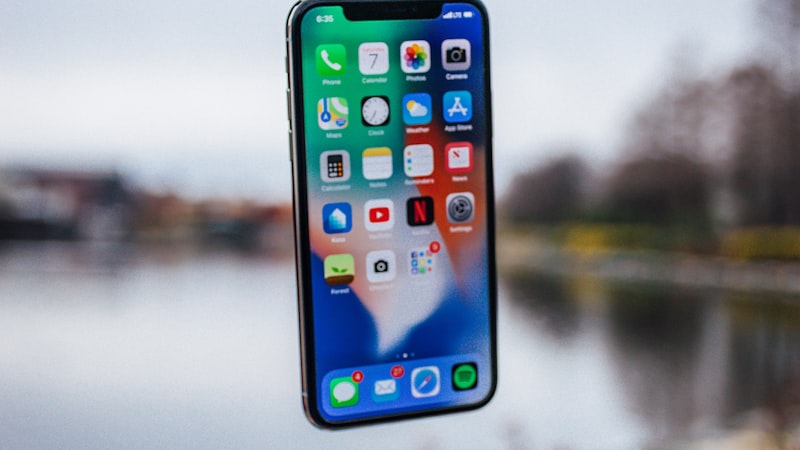
What is the Dynamic Island?
Introduced with the iPhone 14 Pro and Pro Max, and continued in subsequent Pro models, the Dynamic Island is a pill-shaped cutout that houses the front-facing camera and Face ID sensors. However, unlike a static notch or a simple punch-hole camera cutout, the Dynamic Island dynamically adapts its shape and size to display alerts, notifications, and activities. It’s essentially a contextual information hub at the top of your screen.
Functionality: More Than Just a Pretty Face
The Dynamic Island's primary function is to surface relevant information without interrupting your current task. Here's a breakdown of its key uses:
- System Alerts: Incoming calls, AirPods connection status, low battery warnings, and Face ID authentication prompts all appear within the Dynamic Island.
- Ongoing Activities: Music playback controls, timers, maps directions, and voice recording status are displayed, allowing you to quickly access and control them.
- Live Activities: Supported third-party apps can utilize the Dynamic Island to display real-time information, such as sports scores, delivery tracking, or ride-sharing updates.
Compared to Android Notifications
Android's notification system is known for its flexibility and customizability. However, it can also be overwhelming. A constant stream of notifications can clutter the notification shade and lead to information overload. The Dynamic Island offers a more curated and contextual approach. Instead of bombarding you with every single notification, it prioritizes essential information and presents it in a visually appealing and unobtrusive way.
Android's heads-up notifications are somewhat similar in function, appearing briefly at the top of the screen. However, they lack the interactive element of the Dynamic Island. Furthermore, Android widgets, while offering glanceable information, occupy screen real estate and require deliberate placement. The Dynamic Island seamlessly integrates into the iPhone's interface, always available but never intrusive.
Limitations and Considerations
While the Dynamic Island is a clever piece of engineering, it's not without its limitations:
- Pro Model Exclusive: The Dynamic Island is currently exclusive to iPhone Pro models. If you opt for a standard iPhone, you'll have a traditional notch.
- App Support: The effectiveness of the Dynamic Island depends on app developers adopting its API. While Apple's own apps and many popular third-party apps support it, some apps may not fully utilize its capabilities.
- Limited Customization: While the Dynamic Island adapts to different situations, its customization options are limited. You can't change its appearance or choose which notifications are displayed.
Making the Most of the Dynamic Island
To fully appreciate the Dynamic Island, experiment with different apps and activities. Use it to control music playback, track timers, and monitor live activities. Pay attention to how it changes based on the context and learn to quickly access the information it provides. Over time, you'll likely find it to be a valuable and convenient addition to the iPhone experience.
For those considering an iPhone upgrade specifically for the Dynamic Island, remember to weigh its benefits against the cost difference between standard and Pro models. Consider your typical usage patterns and whether the Dynamic Island's features align with your needs. And remember, a screen protector designed for your specific iPhone model is crucial to maintaining the display’s integrity, as we explored in our analysis of display technology at iPhone View (https://iphoneview.com).
Ultimately, the Dynamic Island represents Apple's commitment to innovation and user-centric design. While it may take some getting used to for Android switchers, it offers a unique and engaging way to interact with your iPhone.