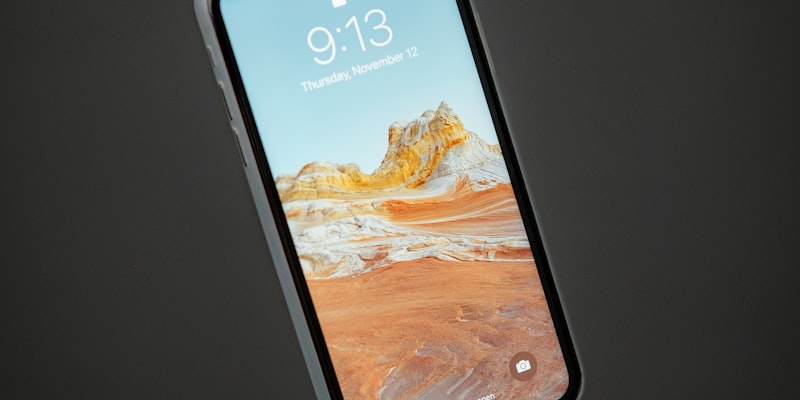
The decision to switch from Android to iPhone is often agonised over for weeks. Forum posts, Reddit threads, and YouTube comment sections are filled with people asking the same questions: will I miss the customisation? Can I live without sideloading? What about the back button? Having spoken to hundreds of people who made the switch in the past two years, we can now separate the genuine pain points from the anxieties that evaporate within a week.
What They Actually Miss
The number one complaint, by a significant margin, is notification management. Android gives users granular control over how notifications appear, which ones make sounds, and how they are grouped and displayed. iOS has improved substantially in this area with notification summaries and Focus modes, but longtime Android users consistently report that iOS notifications feel less controllable. Specific frustrations include the inability to dismiss notifications from the lock screen with a single swipe, the lack of persistent notification icons in the status bar, and the way iOS groups notifications by app rather than by time by default. These are not dealbreakers, but they are the most commonly cited source of daily friction.
The second most missed feature is the ability to set truly custom default apps for everything. iOS now allows you to change your default browser, email client, and maps app, which addresses the biggest pain points. But Android lets you set default apps for virtually any action: opening links, handling files, making calls, sending messages. On iOS, many system-level actions still route through Apple's own apps regardless of your preferences. This is gradually improving, but the gap remains.
File management is the third recurring theme. Android treats the phone as a filesystem that you can browse, manage, and interact with like a computer. The Files app on iOS is functional but limited compared to what Android offers. Users who regularly download files, manage documents across apps, or work with file types that iOS does not natively preview report ongoing frustration. This is particularly acute for people who use their phone as a work device and need to handle PDFs, spreadsheets, or ZIP archives regularly.
What They Thought They Would Miss But Did Not
Customisation is the most overestimated loss. Nearly every Android user we spoke to cited home screen customisation as something they expected to miss. In practice, most reported that after an initial adjustment period of one to two weeks, they stopped thinking about it. iOS lock screen and home screen widgets, introduced and refined over the past several versions, provide enough personalisation for the majority of users. The people who genuinely miss deep customisation tend to be those who ran heavily modified launchers like Nova or Lawnchair, which represents a small fraction of Android users.
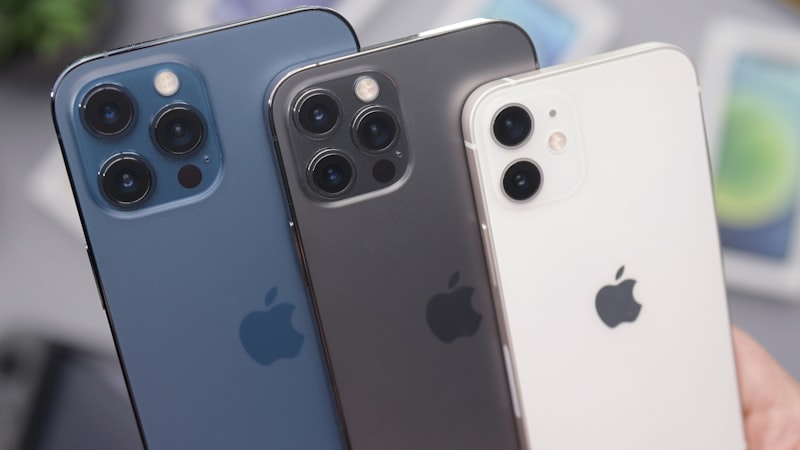
The ecosystem switch is bigger than any single feature
Sideloading is another frequently cited concern that rarely materialises as a real problem. The vast majority of Android users never sideload apps. Those who do are typically installing apps that are also available on the App Store or have iOS equivalents. The EU's Digital Markets Act has also forced Apple to allow alternative app marketplaces in Europe, which further reduces this concern for European users. In practice, the App Store has virtually every mainstream app, and most people never encounter a situation where they need something that is not available.
The back button, or rather the lack of a dedicated back button, is a common worry that resolves quickly. iOS uses swipe gestures for navigation, and while the specific gesture (swipe from the left edge) is different from Android's system-wide back button, it becomes muscle memory within days. Some apps implement it inconsistently, which can be annoying, but the core navigation model is learnable and, for many switchers, eventually preferable.
The Unexpected Gains
What surprises most switchers is not what they lose but what they gain. iMessage integration with the broader Apple ecosystem is consistently cited as the single biggest unexpected benefit, particularly for users in countries where iMessage is prevalent. AirDrop for instant file sharing between Apple devices, the seamless handoff between iPhone and Mac, and the reliability of iOS updates arriving on day one regardless of carrier or manufacturer are all frequently mentioned positives that switchers did not fully appreciate before making the move.
The consistency of the experience is another common theme. Android phones vary enormously in software quality, update frequency, and interface design between manufacturers. iPhone offers a single, predictable experience that does not change based on which carrier sold the device or which manufacturer built it. For users coming from lower-end or mid-range Android phones, the jump in build quality, display calibration, and haptic feedback is often described as the most immediate and visceral difference.
The Bottom Line
Switching from Android to iPhone involves real trade-offs, but the ones that matter in daily use are narrower than most people expect. Notification management and default app control are genuine ongoing friction points. Most othe
The ecosystem switch is bigger than any single feature
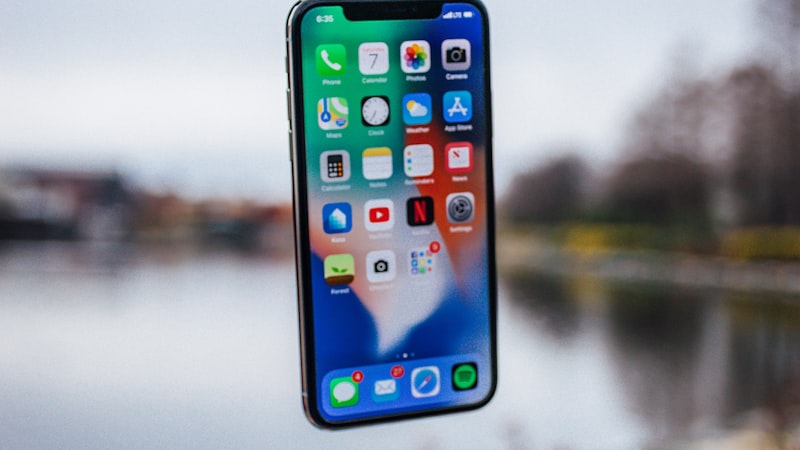
What matters most is what you gain, not what you leave behind